Showing posts with label Photocowgirl. Show all posts

Thursday, January 28, 2016

Transferring Shadows With A Template In PSE


Welcome to The Cherry On Top.

Today's blog is totally kick'n!  We're throwing out an awesome tutorial, beautiful inspiration, some helpful tips to improve or enhance your projects as well as announcing two chances to win a free template.

Sometimes a kit, whether digital or traditional, speaks to you.  Alexis Design Studio kit's always do that to me.  A kit is really, really good when you scroll through those lovelies and are immediately inspired.

This time I had a template I needed to work with and knew exactly what kit would fit the bill for it.  The template is a fabulous blended cluster of awesomeness from PHOTOcowgirl and a stunning collection from Alexis Design Studio.

Keep on reading to see how we altered the template, to view our nifty tutorial on transferring shadows in a template with PSE and find out how you can win  templates like this one so you can apply our tips.


Below, is PHOTOcowgirl's new blended template.  It features two magnificent blends in the background, multiple photos and one amazing cluster.  Use the blends to show off your favourite papers or backgrounds or a photo, like I did.

Let's get started with the tutorial.  My goodness, gracious!  I've been playing with templates for at least a year and I had no idea how to get the designer's drop shadow on my layout.  Thanks to a fellow scrappy sister and me being brave enough to ask, I now know how to do it.  Yes, it's a bit of another forehead slap for this blond mama.  Hehehe...It is so easy a couple of clicks and you're set.


I took the template, enlarged the entire thing, just slightly, rotated it and enlarged the photo spots a tad with some slight repositioning.  If you know The Cherry, we typically tear apart a template, but for this one, we really stuck with it in a near literal fashion.

As you can see, we put in those blends with paper and a photo, backed up the cluster with some glitter and doilies and the next step is replacing Amanda's elements with our own.  How do we do it and keep those awesome shadows?

Hover over your layers and right click on the ellie you want to replace.  Then choose, Copy Layer Style.


Delete the element and insert the one you want.  It will automatically come right in the layer you need, unless you want to change it, of course. Delete by right clicking and choosing Delete Layer or use your back space key. 


High light your newly inserted element, hover back over your layers field, right click on that element and choose, Paste Layer Style. This will not work if you hover over your element in your layout and not in the layers section.

That's it!  So easy, right?  As a template designer myself, we take a lot of time to get those shadows just right and what an awesome tool to know if you're not good at shadowing or if you just want to save time.

If you do not like the shadow or you want to make adjustments, you'll have to click on the element, and Delete Layer Style, then insert your own as usual.  Without deleting the layer style, you'll move the entire templates shadow and ya don't want that.


Here's a peek at this absolutely gorgeous kit from Alexis Design Studio, Woodland Frost.

 sbg

PHOTOcowgirl will be giving away her new, free templates to one lucky commenter. To win Amanda's templates, leave a comment at this link.  If you'd like to try your hand at a layered template with our directions on how to get the designer's shadowing, then try it out on any of our free templates or on our newest one, below.

PHOTOcowgirl has this free alpha on her blog. Click on the preview to get there.

 photocowgirl blog

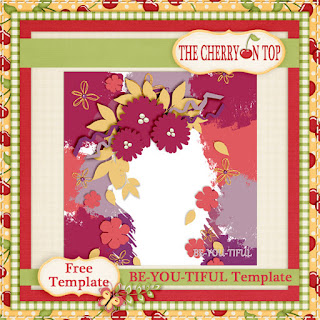
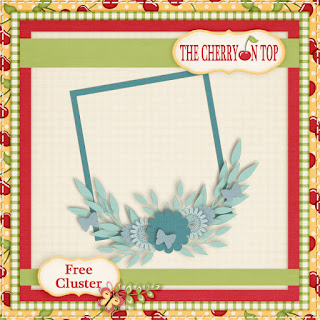
Click on this preview to get the download.  Leave us a thank you if you grab it.
 free template

That's a wrap!  We hope you liked the blog, the tutorial, freebie,inspiration and we'll cross our fingers that you'll be the lucky winner of Amanda's templates.

Happy scrapping!


Monday, December 21, 2015

Day 9 of Freebies and a Free Template


Welcome to day 9's freebie and the new, free template edition.

I was so surprised how fast we got to 10 comments.  Thanks so much.  Comments are tough to come by, lately and we certainly appreciate them.  

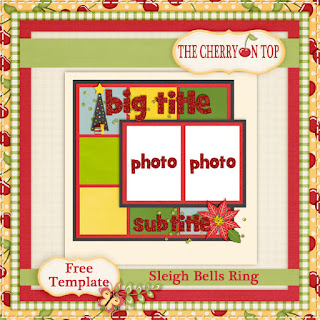
Today, we've got more layout love, new kits, new templates to show off and of course day 9's link and the unlocking of the free template that coordinates with our free Sleigh Bells Ring kit.

The kit Cart Designs has a brand new collection at the Digital Scrapbooking Studio, Through The Woods.  This kit is full of cozy, soft colours and textures with a splash of nature.  It's really fabulous.

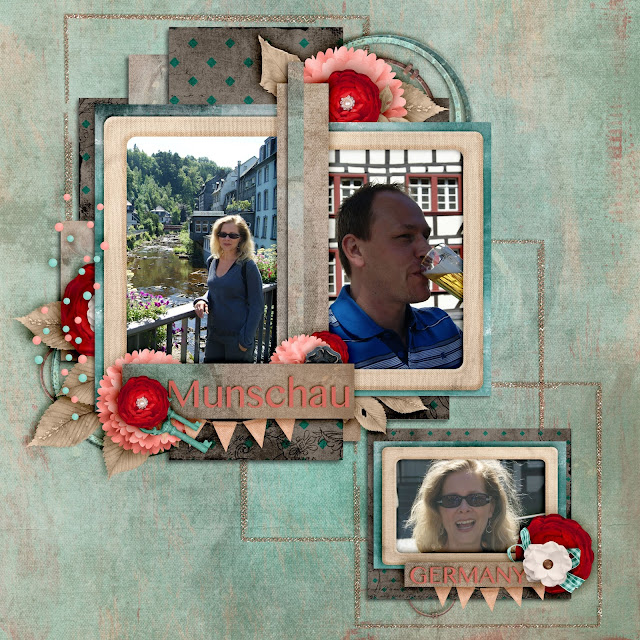
My hubby and I sitting by the fire in Landal Parks in Germany.  We love going there with the family.  Always clean and Germany's food always fills the belly, nicely too.

 dss

I scrap lifted this one.  Not sure how cohesive the feel is.  I love the top part and the sweater inspired ornaments.  The little wooded scene is cool, too.  How cute these elements are.


 dss

This is a fabulous template and kit from Photocowgirl.  She's new to Gingerscraps.  You can find her shop by clicking on the image of my lovelies enjoying Christmas.


 gs

Here is the layout that inspired the free template and our new kit, Sleigh Bells Ring that you can get for free by downloading the daily links.


This freebie is no longer available.  Stay tuned for more great free stuff.

And here is your free template.

 free template

Feel free to come back and show us what you've created.

Happy scrapping and thanks so much for being a part of The Cherry.

Friday, December 4, 2015

Photocowgirl, Inspiration and Sweet Freebies

Welcome to The Cherry On Top.

We're back with another super scrappy edition.  For the first time ever, we've got PhotoCowGirl in the spot light.  The new store opened at Gingerscraps just this week.  So, we're showing off the goodies you can find there both kits AND templates.  The deal doesn't end there!  We've got awesome freebies and a huge discount to sweeten the deal.

Let's dive right in there with inspiration and a nice look at the freebies.

Country Christmas is both a kit and a set of templates.  Here's what we did.  Awe, little JJ's first Christmas.  That bun just came out of the oven!  Hehehe...My goodness, we look so young!


How about this preview?  Awesome colours and fun elements, too.  I love that cardinal!  We don't have those here, in Belgium.

 gs

This is a look at the Country Christmas template.

 gs

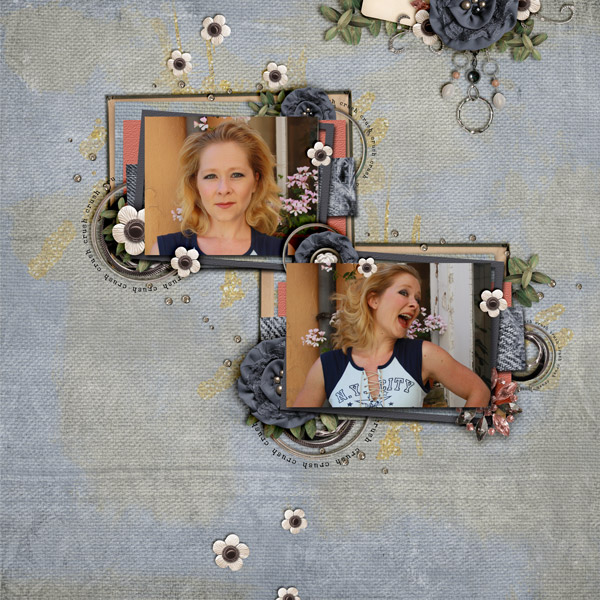
This layout was designed using PhotoCowGirl's Denim Crush template and a lovely kit from Key Lime Digi Design.

 gs

Pretty super templates, right?!

 gs

Here's where it gets exciting.  This layout was made using a template from the above series and a free kit fromPhotoCowGirl.  That's right!  All of this gorgeousness is free for a limited time.  Find out how to get it by clicking on my layout.

 pcg blog

I know, right?!  This is free!

 pcg blog

Let's move on to some more creative work.  Rusted Turquoise is full of drama and intensity and once again, this is also from a template.

 gs

How about a close up of Rusted Turquoise?


Until We Meet Again.  NO!  I'm not saying goodbye.  Hehehe...It's the name of the kit.  As you may know, I have only boys in this house.  Including the pets.  I used our newest kitty because he's got lots of pink on him.  Hehehe...Isn't he just the cutest?  Although, he's terrorising this place at the moment. The new Christmas decorations are way too much for him.  Hehehe...

 gs

Isn't this just fab?!

 gs

This promotion is a great way to get started on your PhotoCowGirl stash.

 gs

And because you made it all of the way through, here's your lovely freebie.

 free download

We've got tons of free stuff here.  Grab a cup of jo and see what you can find.  

Here are a couple of our most popular freebies.  Just remember that it's all Personal Use Only and is not to be sold or claimed as your own. 

 tcot

 tcot

 tcot


If you like us or download our goodies, it would be great to leave us some love.

Thanks and happy scrapping!