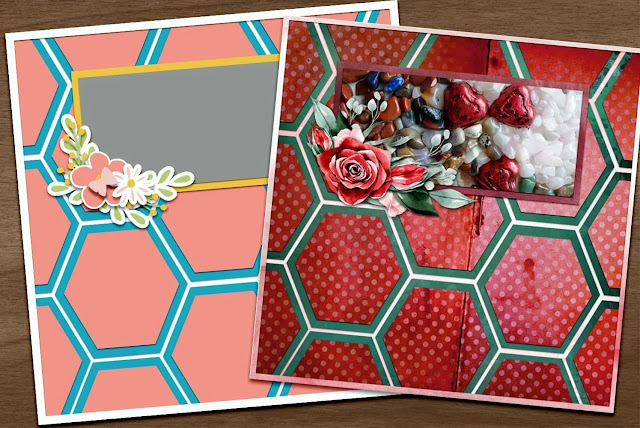
Showing posts with label scrapbooking templates. Show all posts

Friday, September 12, 2025

Your Free Digital Scrapbooking Template For September

Welcome to The Cherry On Top.

I'm afraid, the wind has left my scrappy sails. It only took 30 years! Hehehe...I usually get bored really, really fast and easy. So, I'm surprised it lasted as long as it did. So, if you're wondering, where the heck I've gone, you know why. Who's to say that the wind won't come back? The inactivity in the shop and the group was definitely a huge factor, but we all know, when one door closes another opens and that it is really exciting.

There are still 3 free templates left for the year and it is possible that they will be the last, but I am prone to changing my mind. I did have a bunch more ready.

free digital scrapbooking template

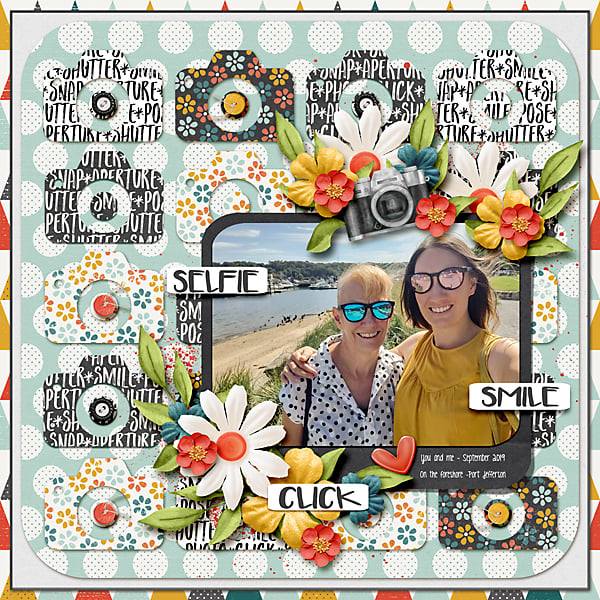
One of the many aspects of this awesome page is the repetition of color. It helps give a page its cohesion.

free scrapbook templates

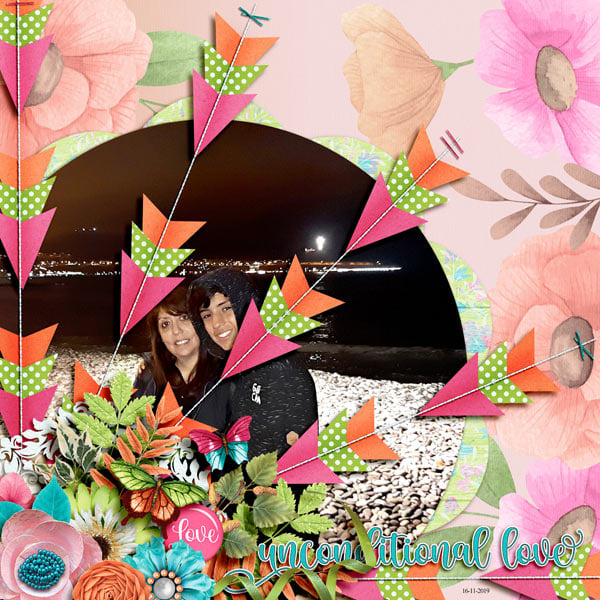
One of the many awesome things about templates is their flexibility. I love versatility. Kait's page is slightly different than the original template. Do ya see it? Did ya catch the subtle shift? That little nudge gave room for the great title. Below, I've got a different option on display and it's the one I used for my page, a little further.


changing up digital templates

Here's my page. It's mega simple. Made in mere minutes. I used the free Dutchie collection on the blog and repeated colors and added texture. I've got 2 contrasting frames from the subtle background. If you want to see more of my pages from the fun trip with my friend, scroll back and check them out.Linked up is the start of the collection.

pretty scrapbook pages

I've got loads of how to videos on the You Tube channel and this blog is bursting with freebies.

I'm taking down the links to these freebies. So, grab them while you can.

Thanks for stopping by.

Friday, February 2, 2024

More Free Valentine's Day Printables and Designs from The Cherry On Top

Welcome to The Cherry On Top's, Freebie Friday.

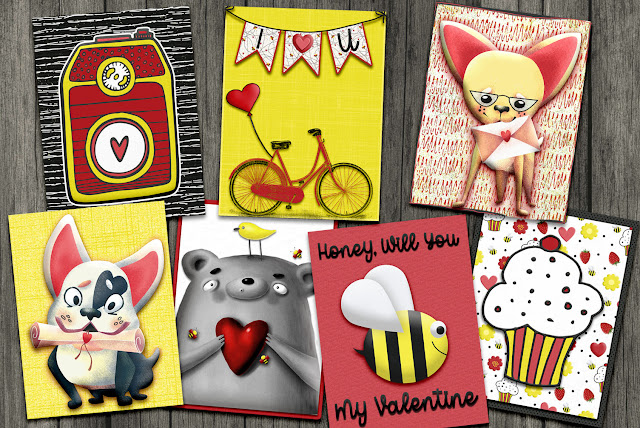
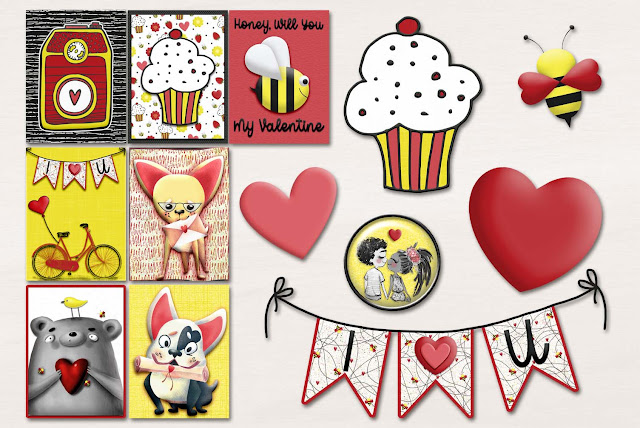
I've got another pack of fun Valentine's Day printables. Again, these designs are pretty versatile. Great for kids and adults alike. Don'cha love that?

free valentine's day printables

free valentines day cards
You get cards and a few ellies, too.

I used items from the huge Bee Lovable Collection available at Kreative Design Studio in Design Bundles.

Bundle of Digital Scrapbooking Goodies

Here are some pages I and the team designed with some or all of the items in the bundle.

scrapbook pages made quickly and easily

You could simply plop in pictures or add your own digital scrapbooking things.

versatile digital scrapbooking templates

What a super fun and romantic page!

digital templates

This is the first freebie from the series of three for Valentine's Day, but there's more!

free valentine's day designs

TOMORROW, is February's free template train. Come on back and grab this great free, digital scrapbooking page layout template and ride the train for even more free templates from talented designers.

free digital template

Here's another train of free digital scrapbooking products offered from GingerScraps. I'll be giving away this free filmstrip template for THREE WEEKS ONLY. You have to sign up for our newsletter and the newsletter from the other GingerScraps designers to get the goodies. The newsletter freebies will be available from February 9th.

gingerscraps newsletter hop

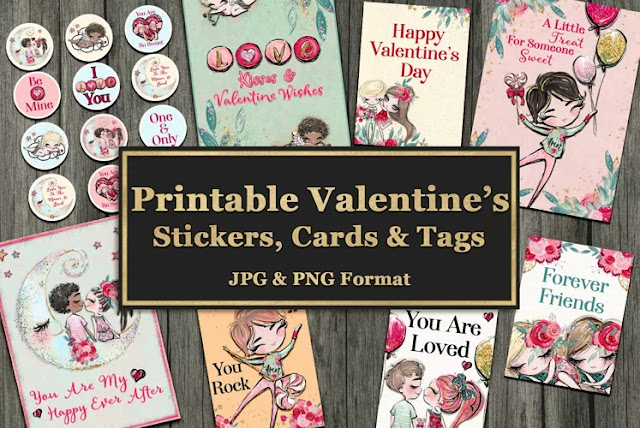
One of the last Valentine's Day freebies will come from this bundle I designed at Kreative Design Studio in Design Bundles. Come on back for Freebie Friday and grab them before the holiday. If ya can't wait or ya want to see more from this huge collection at Kreative Design Studio, head over to our shop and check out our Valentine's Day collection with over a dozen items.

valentines day printables

Thanks for checking out Freebie Friday. We'll see ya again, next week!

Happy crafting!


Monday, March 6, 2023

Challenge #11 is the Speed Scrap and I'm showing off Some Scrapbook Layouts

Welcome to The Cherry On Top.

The 11th Challenge was the Speed Scrap.  It was a success with limited participation. The time difference is always a problem. I'm in Belgium and most of our fans are in The States which is at least 6 hours difference. If only I were a night owl! Hehehe...It was still fun and went very smoothly. I'd like to do it again, sometime. Stay tuned if you're interested.

I am going to leave you with all of the directions from the Speed Scrap. So, if you are doing ALL of the challenges to win prizes for finishing, then you can still do your page and get it in the album by March 26th.

I'll leave those directions at the end of the blog.

Have you used up all of your Gold Plus credits yet? If you missed out on the Gold Plus month long membership, it's not too late! Don't wait too long, though. I stuffed Plus with all kinds of great scrapbooking products.  Type in things like Vintage Scrapbooking, Spring Scrapbook or Scrapbook Templates in the search and see all of the great goodies.

spring scrapbook paper

spring paper


spring template

Here are a few gorgeous pages from our lovely Challenge Participants.  Get inspired!


black and white challenge
Black and White Challenge


speed scrap
Speed Scrap Challenge

Shapes Challenge
Shapes Challenge

Gratitude Challenge
Gratitude Challenge

gratitude Challenge
Gratitude Challenge

border challenge

vintage scrapbooking
Use it All Challenge with FREE KIT

template challenge

I left you with quite some links if you still want to join in on the challenges.  You don't have to do them all.  Do as many as you like.  You may still put your pages in the albums in the group and win prizes.

Here are the directions from the Speed Scrap:

Step 1: Slap a large square or rectangle photo in the middle of your page. About 6 inches.

Step2: Add a small photo about 3 inches to either the bottom left or right corner of your large photo.

Step3: Mat your photos with different colors. As many layers as you like.

Step4: Add a word bit to the top middle and bottom middle of the large photo. You may use a title and or subtitle or a combination of the three.

Step5: Place 5 very large rings 3-5 in the center of the page. They should be about the size of the entire page. Use different colors, stamps, stitches or thin paper rings for the large circles.

Step6: Cluster around the top corner of your large photo.

Step7: Cluster UNDER your small photo in the opposite corner of your large cluster.

Step8: finish anyway you like! 

I'll be back with the next challenge.

Happy scrapping!

Thursday, March 2, 2023

Scrapbooking Challenge #8 and Page Layout Inspiration

 Hey there, crafters.

We are just trucking through these challenges, aren't we? Today, we've got Challenge #8 for you and it is a Shape Challenge. You'll need to choose a shape, just one and use that shape at least 7 times. Of course, I'll give you some examples. You can use ANY kit and any template. Maybe you want to use up some of those Plus points from Design Bundles with your FREE Gold Membership you've just acquired?  Don't know what I'm referring to? Go back to this blog and get that link so you too can get a free MONTH long membership.  I know, right?!

I just posted in our group. It's for another kind of challenge/game where the more people who participate, the more free goodies you get. It might not be up for too long. There are four NEW designs to be had. If you love them too much to wait, then grab them from the shop while they are 50% off.

rainbow watercolour designs

Let's get into some page inspiration for the Shape Challenge.

love your selfie template

scrapbook templates

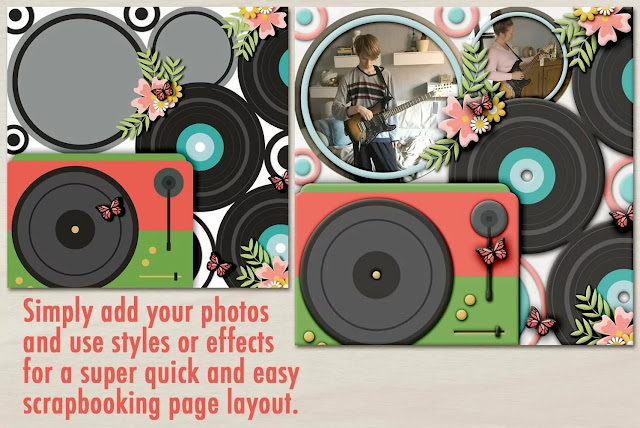
Below, I took one of our newer templates, added a few pics and then added some texture and bevels with styles for a very fast page layout. It's got loads of circles.

Creatives templates

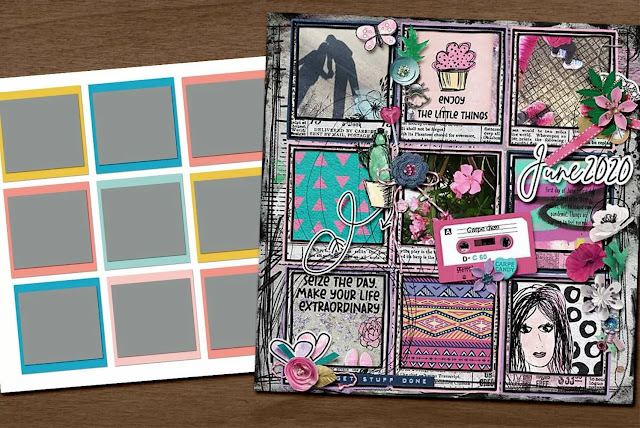
Here are a few templates from Plus. If you've got points left, go grab'm!

multiple photo layout

hexagon template

Got the gist?

Now, go scrap your page and get it in the correct album in the group. Show it off in our forum post if you like or if you're not on FB.

If you are just joining us, you'll have to pop back to where it all began. Grab your free template and free challenge tracker and pretty tokens. The image below will get you there.


free printable

I'll be back on Friday and will have challenges throughout the weekend. Including our Speed Scrap on Saturday at 3:00P.M. EST.

Until then and happy scrapping!

Friday, August 20, 2021

How To Design A Basic Digital Scrapbooking Templates PhotoShop Elements


Welcome to The Cherry On Top, crafters, hobbyists and scrapbookers!

Here's a simple tutorial on how to design a very basic digital scrapbooking template.  Anyone can do this kind of template.  Trust me!  In a few minutes, you'll be scrapbooking your precious memories in just the format you chose. 

Let's jump right in!

First, open a new, scrapbooking sized document in PSE.  PS will be very similar if not the same for most of these steps.  Personally, I find PSE much quicker to design templates in.  It's amazingly user friendly and I'm no computer genius.


Go to graphics and slide or click in a square, rectangle or whatever shape you want.  You could duplicate the background if you want a square or rectangle, as well.


I already had the color picker set on grey for my shapes.  I'll show ya further down how to do it, yourself.

Once you've got your shape just how ya want it, go to the layers panel and duplicate it.


Size that shape how you want it and repeat...


If you are a perfectionist, go to View, Grid and nudge to perfection.


If you are going to sell this kind of template, rename your layers how you like.  I number mine.  Easy!


You could leave it at that or add shadows by going to FX and choosing a shadow.  These are purchased shadows, but PSE also has a few to choose from and you can even customize those.  They are under Drop Shadows.


Perhaps you'd like to add a stroke, outline or matting to your photo spots?  Easy peasy!

Go to the effects menu or panel, choose strokes.


Select the size you like.  Again, you'll be able to customize the size.


When you quickly double click on the little fx icon in the layers panel, you'll get this pop up box.  You can slide to change the stroke size.  You can also click on the little black box and change the color of the stroke.

As you can see, opacity, bevels, glows and shadows can all be adjust here.  Cool, eh?!


You'll get the little color dropper that looks like an eye dropper when you click that black box.  You can either go right to your page or document and pick a color from it or choose one from the houndreds they provide.


If you'd like all of your photo spots to be the same, go to the layers panel and right click on that layer you want to copy, choose copy layer style...(Make sure you add a shadow before copying.  If you want shadows.)


Then paste that layer style to the other layers.  You can do them all at once by selecting all of the layers.


You can stop there OR you can learn how to get that outline on another layer.  There are a few methods.

If you keep that outline, your photo spot will not be on a separate layer.  If you plan on putting a shadow on that layer or you'd like to clip a paper on to it, then keep on reading.


I always work with with a color palette that I just drag on to my document as I'm working or I use a stash of solid papers from the gallery. (I'll be showing you how to make solid papers very soon.)

If you duplicate your square or shape then enlarge it slightly, you can recolor it.  This doesn't work great for all shapes, but squares, circles and rectangles are no problem.

You can use the color picker to recolor your layer or you can slide in a paper from your gallery and clip it to the layer by selecting, create clipping mask on the layer you want to clip.


Click on the paint bucket in the toolbar and color your layer.


Straighten it out and you're all set!

See how easy that is?!  Can you just imagine how far you can take these steps?!  If you know The Cherry, we taken it to outer space.  LOL!


Planner templates are the bee's knees!  Use ours and save so much time!


We'd prefer if ya just bought ours, but sometimes ya just can't find exactly what you are looking for, right?

Thanks so much for checking out this tutorial.  If you've got any questions, you can hit me and my team up, in our scrap-a-licious group, follow us via e-mail or all of the other trendy social media platforms found in the side panel.

I'll leave you with our newest free template.

Happy scrapping!

There are SO many freebies on this blog!